
FOV Explained: What Field of View Does in Games
Field of view is one of the most impactful settings in any game, and one of the least understood. Here is what it actually does, why it matters on console versus PC, and how to find the number that works for you.
What FOV Actually Is
Field of view is the angle of the virtual world your camera captures at any single moment, expressed in degrees. Think of it like a real camera lens. A wide-angle lens takes in a broad slice of a scene. A telephoto lens narrows the frame and pulls distant objects closer. FOV in games works the same way.
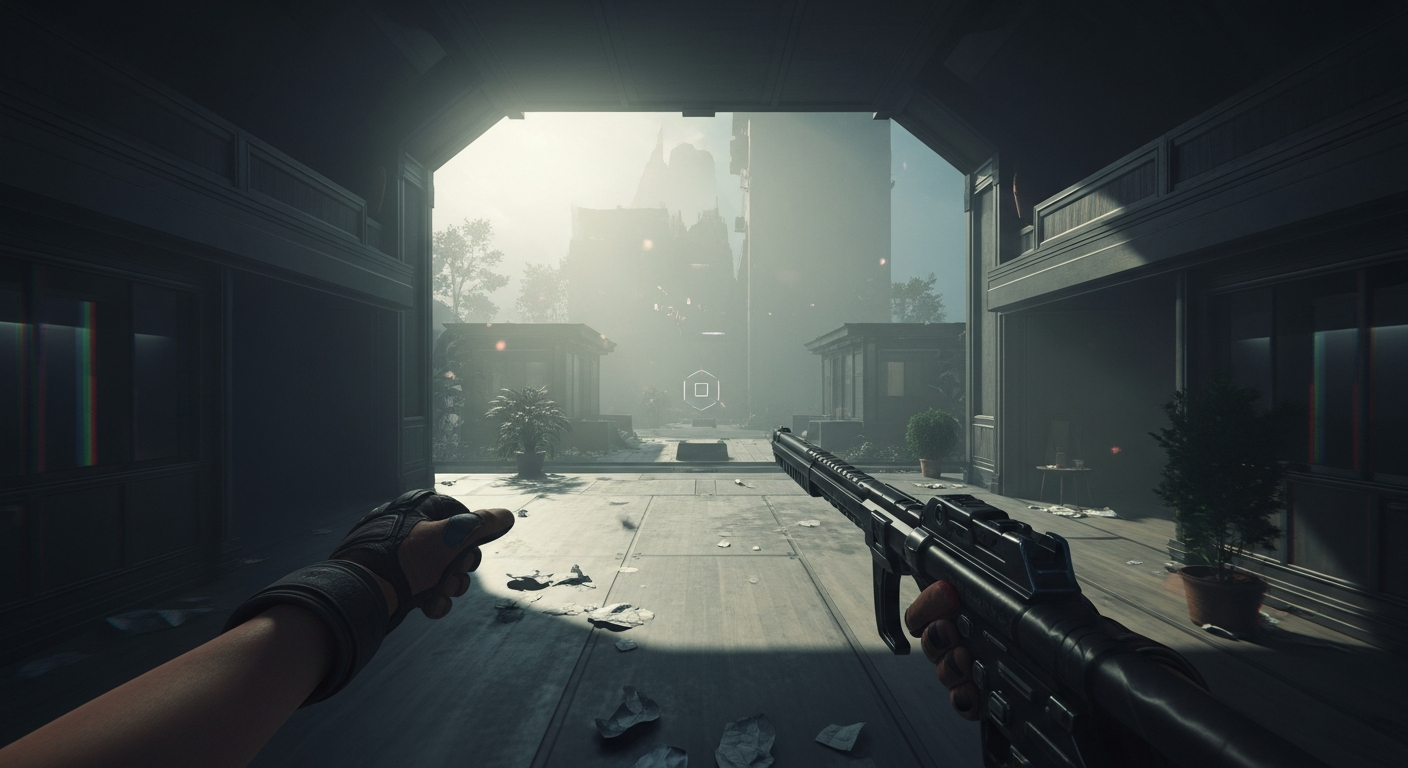
In a first-person shooter, an FOV of 70 degrees might feel like looking through a porthole. An FOV of 110 degrees feels more like peripheral vision. You see more of the room, more of your weapon, and more of whatever is sneaking up on your flanks. That breadth comes with a visual cost: geometry near the edges of a wide-angle view gets stretched and distorted, the same fisheye warping you would see from a real wide-angle lens.
Third-person and isometric games use FOV too, though the effect is less dramatic when the camera is not locked behind your character’s eyes.
Console vs PC: A Long-Running Gap
For years, console games either locked FOV entirely or offered a narrow slider range, while PC games handed players a wide-open setting. The practical reason made sense. Living room televisions are typically watched from eight to twelve feet away, and at that distance a narrower FOV looks proportionate. If you are sitting two feet from a 27-inch monitor, that same narrow view can feel suffocating.
Performance was also part of the calculation. Rendering a wider field of view means the GPU has to process more geometry per frame. With a locked FOV, developers knew exactly how much the hardware needed to push, which made optimization cleaner on fixed-spec consoles.
That reasoning has softened considerably. Many current-generation console titles include full FOV sliders now, partly because developers recognized the accessibility value, and partly because modern console hardware has enough headroom to handle the difference. Still, the PC version of a multiplatform game will more often include a broader FOV range than its console counterpart.
Comfort vs Competitive Advantage
The case for wider FOV has two distinct arguments that are worth separating.
The comfort argument is accessibility-focused. Simulation sickness, sometimes called cybersickness, is a genuine issue for a meaningful portion of players. A narrow field of view accelerates the perceived motion on screen relative to what your body feels, and that disconnect is a reliable trigger. Widening the FOV reduces the speed sensation and gives many players the ability to sit with a game they otherwise could not finish. This is not a small quality-of-life tweak. For some players, it is the difference between being able to play at all.
The competitive argument is more straightforward. A wider FOV reveals more of the environment at any given moment. In a multiplayer shooter, that means an opponent stepping into your peripheral vision at 100 degrees FOV might not have appeared at all at 80 degrees. That is a real informational edge.
The two arguments pull in the same direction, toward wider settings, but for different reasons. Comfort is about the player’s physical experience. Advantage is about what the player can perceive in a match.
Where things get complicated is at extremes. Push FOV above 110 or 120 degrees in most first-person games and the distortion becomes severe. Objects near the edges of screen warp noticeably. Enemies at the center of your screen appear smaller and faster, which can actually make accurate aiming harder. Competitive players often settle somewhere between 100 and 110 precisely because very high numbers introduce their own problems.
Finding Your Number
The reliable method is to start at the game’s default, then nudge the slider upward in small increments. Give each setting a few minutes of normal play rather than a quick look at a static scene. The mismatch that causes discomfort tends to emerge during movement, not while standing still.
If the game offers separate horizontal and vertical FOV controls, focus on horizontal. That is the measurement most players mean when they discuss the setting, and it is the one with the most direct effect on how much you see side to side.
Screen size and seating distance matter more than most guides acknowledge. A setting that feels perfect on a desktop monitor at arm’s length may feel oddly wide on a television across a room. Your physical setup is part of the equation, not just a footnote.
What does FOV mean in gaming?
FOV stands for field of view. It is the angle of the game world visible on your screen at any given moment, measured in degrees. A higher number means you see more of your surroundings; a lower number means a narrower, more zoomed-in view.
What is a good FOV setting?
Most PC players land between 90 and 110 degrees for first-person games. Console players sitting farther from a TV often find 80 to 90 comfortable. The right number depends on your screen size, your distance from it, and personal preference.
Does higher FOV give you an advantage?
A wider FOV lets you spot enemies or hazards at the edges of your screen that a narrower setting would hide. That is a real advantage in competitive play. However, very high FOV values distort geometry and can make targets harder to track, so there is a trade-off.
Why does low FOV cause motion sickness?
A narrow field of view exaggerates the sensation of speed and the feeling that the world is rushing past you. Your eyes perceive fast movement but your body feels nothing, and that mismatch is a common trigger for simulation sickness. Widening FOV usually reduces the effect.