
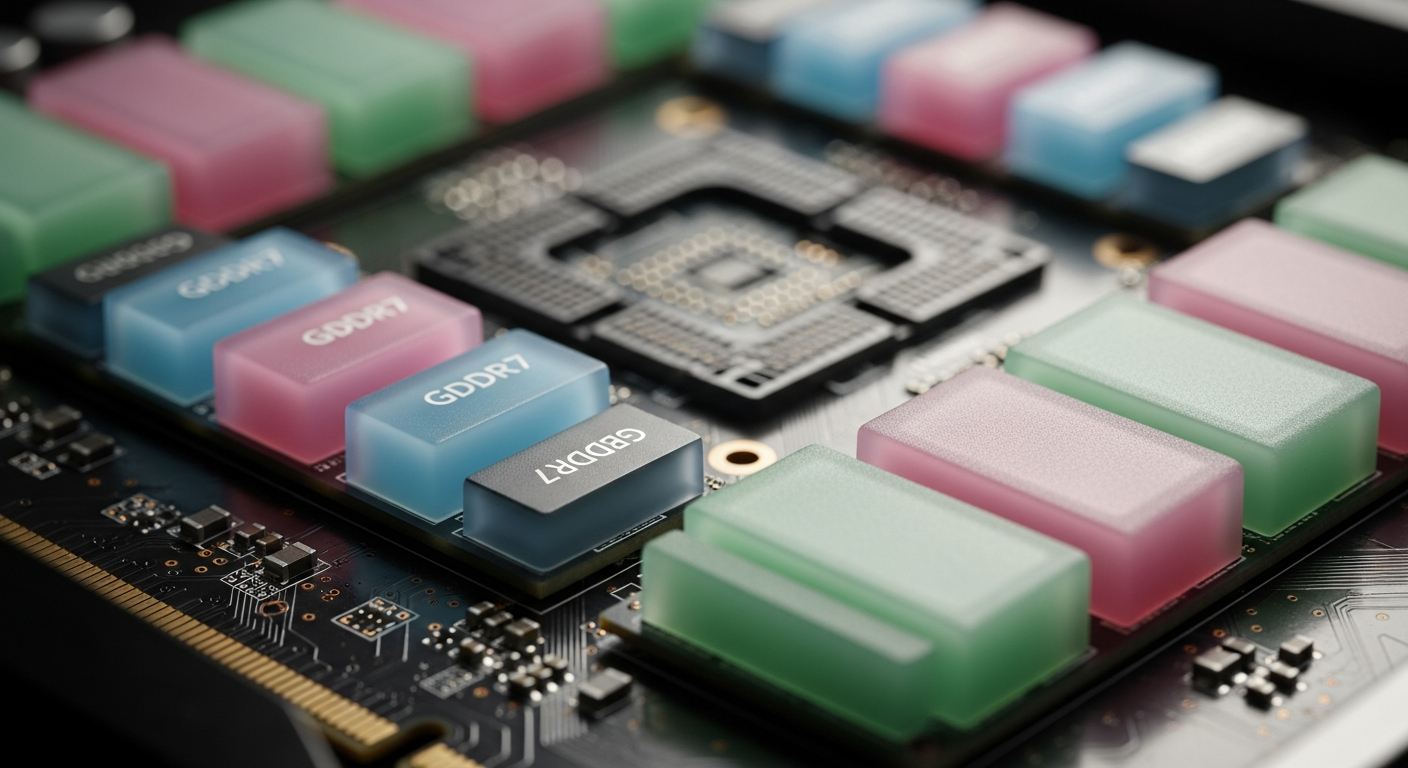
Modders Unlock Per-Chip GDDR7 Temps on RTX 50 Blackwell Cards
A cross-continental team of developers has updated the Hotspot.dll plugin for MSI Afterburner to expose individual temperature readings for every GDDR7 memory module on NVIDIA's Blackwell GPUs.
A Collaborative Fix Nobody Assigned
Good hardware monitoring tools rarely come from a single person working alone, and this latest development for NVIDIA Blackwell owners is a perfect example of that. According to a report from TechPowerUp, a loosely organized team of developers from multiple countries has updated the Hotspot.dll plugin for MSI Afterburner to expose per-module GDDR7 temperature readings on RTX 50 series graphics cards.
The contributors include Brazilian GPU repair specialist Paulo Gomes, MSI Afterburner developer Unwinder, Overclock.net member asder00, HWiNFO creator Martin Mumak Malik, and Linux code developer olealgoritme. That is a pretty eclectic group. What they share is a clear interest in actually knowing what is happening inside expensive graphics hardware, and now that curiosity benefits everyone running a Blackwell card.
What the Plugin Actually Does
The Hotspot.dll plugin previously gave users access to the hidden Blackwell GPU die readings, but the updated version goes further by unlocking thermal sensors embedded inside the memory ICs themselves. The result is a granular view that aggregate junction temperature readings simply cannot provide.
On the GeForce RTX 5090 specifically, as reported by TechPowerUp, there are 16 GDDR7 memory modules each carrying 2 GB of capacity. The plugin can now pull a distinct temperature reading from all 16 of them simultaneously. For a card that costs as much as a decent used car, knowing which chip is running hot seems like the minimum acceptable level of visibility.
Things get a bit more complicated with cards that use a clamshell memory configuration, where GDDR7 chips are distributed across both sides of the PCB. The RTX PRO 6000 Blackwell is one such card, according to TechPowerUp, with memory present in 16 locations on each side of the board for a total of 32 modules. The current plugin update reportedly provides only half the measurement points in that scenario, meaning the chips on one side of the board are readable while the other side remains unmonitored for now. That is a notable gap given that memory on the back of a PCB often receives less active cooling than the front.
Why This Actually Matters for Your Card
Temperature monitoring can feel like a nerdy abstraction until something goes wrong. GDDR7 memory modules rely on thermal pads to transfer heat to the cooler. Those pads degrade over time or can be applied unevenly from the factory. When one module runs significantly hotter than its neighbors, the aggregate memory junction reading might still look acceptable, masking a localized problem that is quietly accelerating wear on that specific chip.
Per-module readings make that kind of troubleshooting straightforward. You can identify which chip is misbehaving, check whether a thermal pad replacement fixes it, and verify the result afterward. For GPU repair professionals like Paulo Gomes, who contributed to this effort, that diagnostic clarity is genuinely valuable in daily work.
TechPowerUp notes that with this update, Blackwell GPUs are now fully covered in terms of thermal measurement, combining hotspot readings on the GPU die, hotspot delta, memory junction temperature, and these new individual GDDR7 module readings.
Still Room to Grow
The clamshell gap is worth watching. Boards that pack memory on both PCB surfaces have historically been trickier to cool uniformly, and the community discussion around this update already reflects curiosity about whether temperature differences between front and back chips will be meaningfully significant. With half those sensors still locked out on affected cards, that question does not have a clean answer yet.
For RTX 5090 owners and others on single-sided memory layouts, though, the plugin is available today through MSI Afterburner, and 16 individual readings is a significant step up from whatever you had yesterday.
What is the Hotspot.dll plugin for MSI Afterburner?
Hotspot.dll is a plugin for MSI Afterburner that was originally developed to expose hidden GPU die hotspot readings on NVIDIA Blackwell cards. It has since been updated to also provide per-module GDDR7 memory temperature readings on RTX 50 series graphics cards.
How many GDDR7 temperature readings can you get on an RTX 5090?
The RTX 5090 has 16 GDDR7 memory modules, each with a 2 GB capacity, so the updated plugin can deliver 16 individual temperature sensor readings, one per chip.
What is a clamshell memory configuration on a GPU?
A clamshell memory configuration means GDDR memory chips are placed on both sides of the PCB rather than just one. The RTX PRO 6000 Blackwell uses this layout, with memory present in 16 locations on both sides of the board for a total of 32 modules.
Why does per-module memory temperature monitoring matter?
Individual chip readings help diagnose cooling problems that aggregate sensors can miss. If a thermal pad on one specific GDDR7 module wears out or is absent, that chip can overheat and fail while other modules read normal temperatures.